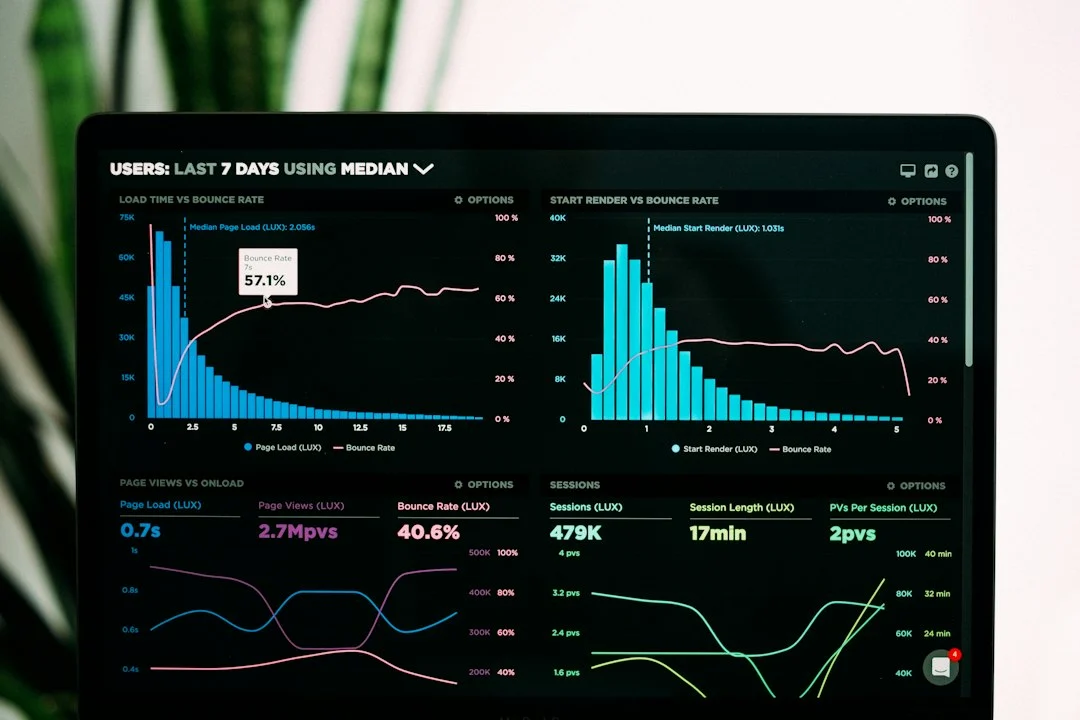

Optimizing page experience is no longer optional for website owners seeking top search engine rankings. Google explicitly uses technical performance metrics to evaluate how users interact with web pages, making technical speed audits essential for organic search visibility.
Core Web Vitals optimization directly impacts search rankings, conversion rates, and user retention. Websites that meet performance standards deliver smoother browsing experiences, leading to higher engagement and fewer abandoned visits.
This comprehensive guide breaks down each metric, provides actionable optimization strategies, and helps you eliminate performance bottlenecks efficiently.
Table of Contents
- Understanding the Core Web Vitals Metrics
- Why Core Web Vitals Optimization Matters
- Core Web Vitals Benchmarks Comparison
- How to Optimize Largest Contentful Paint (LCP)
- How to Optimize Interaction to Next Paint (INP)
- How to Optimize Cumulative Layout Shift (CLS)
- Expert Tips for Sustained Speed
- Common Optimization Mistakes to Avoid
- Frequently Asked Questions
- Conclusion
Understanding the Core Web Vitals Metrics
Core Web Vitals represent specific user-centric measurements defined by Google to quantify key aspects of user experience. These metrics measure loading speed, responsiveness, and visual stability during page loads.
The three Core Web Vitals consist of:
- Largest Contentful Paint (LCP): Measures perceived loading speed by marking the point when the main content of a page has likely loaded.
- Interaction to Next Paint (INP): Assesses overall page responsiveness by measuring the latency of all user interactions throughout the visit.
- Cumulative Layout Shift (CLS): Quantifies visual stability by measuring unexpected layout shifts during the lifecycle of the page.
Why Core Web Vitals Optimization Matters
Search engines prioritize web pages that deliver fast, reliable, and smooth experiences. When Google updated its page experience signals, page speed and visual stability became direct ranking components.
According to research published by Google, users are 24% less likely to abandon page loads on sites that meet all Core Web Vitals thresholds. Beyond SEO benefits, improving these scores increases conversion rates, reduces bounce rates, and enhances reader satisfaction across desktop and mobile devices.
Core Web Vitals Benchmarks Comparison
To achieve a good score, your site must hit target thresholds measured at the 75th percentile of page loads across real-world mobile and desktop users.
| Metric | Full Name | Good (Pass) | Needs Improvement | Poor |
|---|---|---|---|---|
| LCP | Largest Contentful Paint | ≤ 2.5 seconds | 2.5s – 4.0s | > 4.0 seconds |
| INP | Interaction to Next Paint | ≤ 200 milliseconds | 200ms – 500ms | > 500 milliseconds |
| CLS | Cumulative Layout Shift | ≤ 0.1 | 0.1 – 0.25 | > 0.25 |
How to Optimize Largest Contentful Paint (LCP)
LCP focuses on how quickly the main element—such as a hero image, video thumbnail, or large text block—renders on the user’s screen. Sluggish LCP usually stems from slow server response times, render-blocking JavaScript and CSS, or unoptimized image assets.
Implement these targeted solutions to improve LCP scores:
- Optimize and Compress Images: Convert heavy PNG or JPEG images into modern web formats like WebP or AVIF. Serve responsive images with appropriate
srcsetattributes. - Implement Fast Caching and CDN: Use a Content Delivery Network (CDN) to serve static assets closer to users, reducing Time to First Byte (TTFB).
- Eliminate Render-Blocking Resources: Defer non-critical JavaScript and inline critical CSS to allow the primary content to load immediately.
- Preload Hero Images: Use
<link rel='preload'>tags for top-of-page image assets to prioritize their retrieval over lower-priority scripts.
How to Optimize Interaction to Next Paint (INP)
INP replaced First Input Delay (FID) as a core metric to evaluate overall page responsiveness. It measures the time it takes from when a user taps, clicks, or presses a key to when the browser updates the visual frame on the screen.
Heavy JavaScript execution on the main thread is the primary cause of poor INP values. To streamline responsiveness:
- Break Up Long Tasks: Split heavy JavaScript tasks into smaller sub-tasks using
setTimeoutorrequestIdleCallbackso the main thread remains free to handle user inputs. - Minimize JavaScript Payload: Remove unused code, tree-shake modules, and implement code-splitting so pages only load the script required for immediate functionality.
- Optimize DOM Size: Keep your DOM tree small and efficient. Excessive HTML nodes increase memory overhead and slow down rendering updates.
- Reduce Third-Party Script Impact: Defer non-essential scripts like analytics, live chat widgets, and social tracking pixels until main interactions complete.
How to Optimize Cumulative Layout Shift (CLS)
Unexpected visual movements occur when elements dynamically load without reserved space, forcing visible content to jump unexpectedly. This frustrates users and frequently triggers accidental clicks.
Fix visual instability using the following tactics:
- Set Explicit Dimensions: Always specify
widthandheightattributes on images, video tags, and vector graphics to allow browsers to reserve adequate layout space. - Reserve Ad Slot Dimensions: Pre-allocate container styling for dynamic ad placements and late-loading embeds using CSS
min-heightproperties. - Use CSS
font-display: swap: Prevent FOIT (Flash of Unstyled Text) by defining fallback fonts cleanly while web fonts load in the background. - Avoid Dynamically Inserting Content Above Existing Elements: Avoid prepending banners or promotional bars above main content blocks unless initiated directly by a user action.
Expert Tips for Sustained Speed
- Monitor Real User Monitoring (RUM) Data: Rely primarily on Google Search Console and Chrome User Experience Report (CrUX) field data rather than synthetic lab scores alone.
- Optimize Server Hosting Architecture: Upgrade to managed hosting solutions with modern HTTP/3 protocols and server-side object caching enabled.
- Audit Plugins Regularly: Frequently prune unnecessary WordPress plugins or third-party code libraries that inject render-blocking assets.
- Test Mobile Performance First: Because Google uses mobile-first indexing, prioritize testing under throttled 4G network conditions.
Common Optimization Mistakes to Avoid
- Lazy-Loading Hero Images: Applying
loading='lazy'to top-of-page hero images delays rendering and negatively impacts LCP. - Relying Solely on PageSpeed Insights Lab Data: Lab tests evaluate isolated synthetic conditions; real user field data ultimately determines search performance.
- Ignoring Web Font Optimization: Custom web fonts that load slowly cause invisible text delays or noticeable structural shifts.
- Overloading Pages with Uncached Widgets: External review badges and dynamic widgets often block browser threads and trigger performance drops.
Frequently Asked Questions
What are the three Core Web Vitals metrics?
The three Core Web Vitals metrics are Largest Contentful Paint (LCP), which measures loading performance; Interaction to Next Paint (INP), which measures page responsiveness; and Cumulative Layout Shift (CLS), which measures visual stability.
How does Interaction to Next Paint (INP) differ from First Input Delay (FID)?
While FID measured only the initial delay of the very first interaction on a page, INP measures all user interactions (clicks, taps, keypresses) throughout the entire lifetime of the page session, providing a far more realistic evaluation of responsiveness.
What is considered a good LCP score?
A good Largest Contentful Paint score is 2.5 seconds or less. Sites achieving this threshold across 75% of page loads meet Google’s recommended target for page experience performance.
Does web hosting affect Core Web Vitals scores?
Yes, your web host directly influences Time to First Byte (TTFB), which forms a core foundation for LCP. Slow server responses cause cascading delays across image loading, font loading, and script execution.
How do I measure my site’s real Core Web Vitals performance?
You can check real user performance using Google Search Console’s Core Web Vitals report, PageSpeed Insights (under the ‘Discover what your real users are experiencing’ section), or Web Vitals Chrome extension data.
Are Core Web Vitals a direct ranking factor?
Yes, Core Web Vitals are an explicit part of Google’s page experience ranking signals. While high-quality content remains paramount, strong Core Web Vitals scores help pages outperform competing content in competitive SERPs.
How long does it take for Google to reflect Core Web Vitals improvements?
Because Core Web Vitals rely on field data collected over a rolling 28-day window from real Chrome users, performance fixes usually take 2 to 4 weeks to fully show positive validation in Google Search Console.
Can WordPress plugins solve Core Web Vitals issues automatically?
Optimization plugins like WP Rocket or Perfmatters significantly help compress assets, inline CSS, and defer JavaScript. However, manual fixes—such as fixing server response times, fixing dynamic layouts, and resizing images—are often required for full compliance.
Conclusion
Mastering Core Web Vitals optimization ensures your website offers an exceptional user experience while maintaining strong rankings in search results. By prioritizing server optimization, image compression, main-thread efficiency, and dynamic layout stability, you create a fast, seamless platform that satisfies both visitors and search engine crawlers.
Audit your performance data using Search Console, identify your site’s main performance bottlenecks, and start optimizing your visual assets and JavaScript execution today.