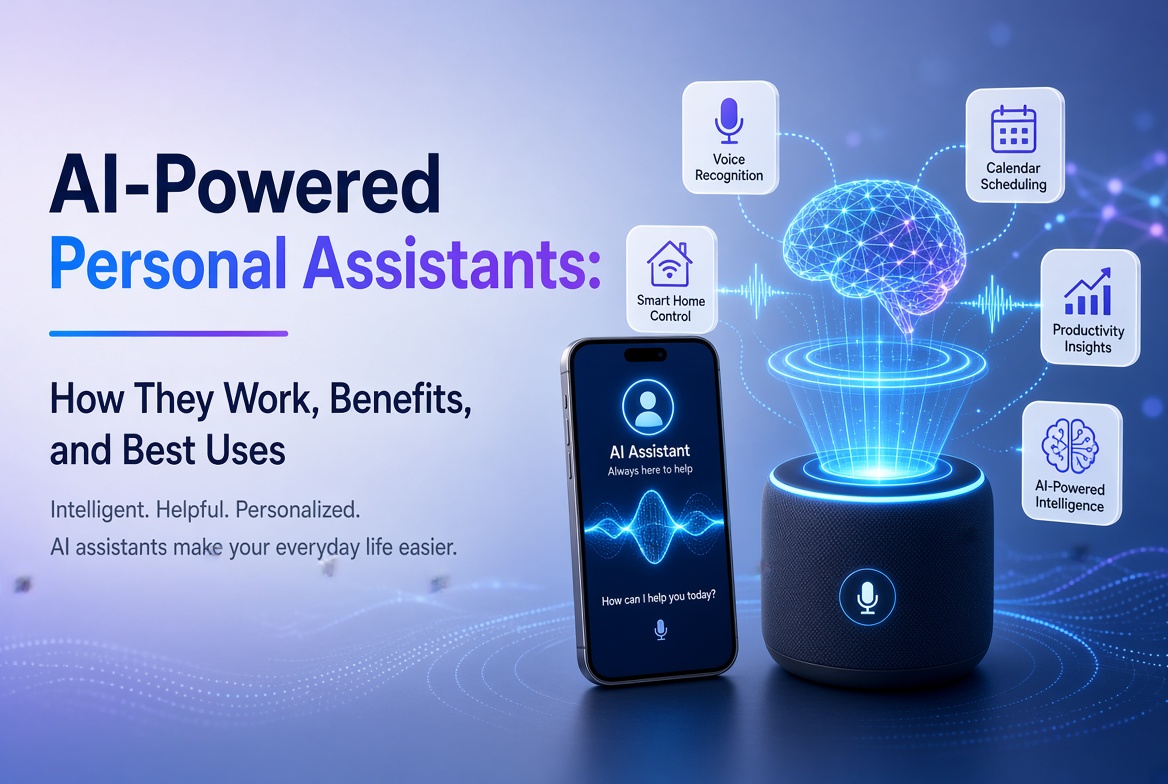

Artificial intelligence is changing how people organize their daily activities, manage information, complete tasks, and interact with digital services. One of the most practical applications of this technology is the AI-powered personal assistant.
Unlike traditional digital assistants that mainly respond to predefined voice commands or simple questions, modern AI-powered personal assistants can understand natural language, summarize information, draft documents, help plan schedules, and support more complex workflows. Depending on their capabilities and permissions, some can also interact with applications, search for information, and automate repetitive tasks.
These assistants are becoming useful tools for students, professionals, entrepreneurs, content creators, and businesses that want to improve productivity without increasing their workload.
However, not every AI assistant offers the same capabilities. Some specialize in conversation and research, while others focus on scheduling, writing, coding, or integrating with business software.
This guide explains what AI-powered personal assistants are, how they work, their major benefits, practical applications, limitations, security considerations, and how to choose the right solution.
جدول المحتويات
- What Is an AI-Powered Personal Assistant?
- How AI-Powered Personal Assistants Work
- Types of AI-Powered Personal Assistants
- Key Features to Look For
- Benefits of AI-Powered Personal Assistants
- Practical Uses in Everyday Life
- Applications for Businesses and Entrepreneurs
- AI Assistants vs Traditional Digital Assistants
- Limitations and Security Risks
- How to Choose the Right AI Assistant
- The Future of AI-Powered Personal Assistants
- الأسئلة الشائعة
- الخاتمة
What Is an AI-Powered Personal Assistant?
An AI-powered personal assistant is a software application that uses artificial intelligence to help people perform tasks, retrieve information, organize activities, and make decisions.
These systems typically accept instructions through text, voice, or other supported interfaces. They interpret the request, determine an appropriate response, and may use additional tools to complete a task.
For example, a user might ask an AI assistant to:
- Summarize a lengthy report.
- Draft a professional email.
- Explain a complicated technical concept.
- Create a weekly study schedule.
- Compare several products.
- Generate ideas for a business.
- Help troubleshoot a software problem.
- Organize notes into an actionable task list.
More advanced systems can connect to calendars, documents, email services, project management platforms, or other applications. With suitable permissions, these integrations allow an assistant to retrieve information or carry out actions rather than merely provide instructions.
The actual capabilities vary by product. Some assistants only generate responses, while others support file analysis, web research, application integrations, and multistep workflows.
What Makes an AI Assistant Different From Ordinary Software?
Traditional software usually follows predefined instructions. A calendar application, for example, allows users to create appointments, set reminders, and view schedules.
An AI assistant can help interpret a request such as, “Help me organize my week around three work deadlines and two appointments.”
It may propose a schedule, identify potential conflicts, and organize the information into a usable plan.
However, its suggestions still require verification. If the assistant does not have access to the user’s actual calendar, it cannot reliably identify every existing appointment.
The main distinction is that AI assistants can interpret flexible instructions and generate context-sensitive responses, while conventional applications typically require users to interact with specific controls and predefined workflows.
How AI-Powered Personal Assistants Work
AI-powered personal assistants combine several technologies to interpret instructions and produce useful results.
Although implementations differ, most modern systems rely on some combination of the following components.
1. Natural Language Processing
Natural language processing helps computers interpret and generate human language.
When a user asks a question, the assistant analyzes the words, context, and likely intent behind the request.
For example, the instruction “Make this report shorter and easier to understand” requires the system to recognize that the user wants a summary or simplified rewrite rather than a completely new report.
Language-processing capabilities make it possible to interact with software using ordinary conversational instructions.
2. Large Language Models
Many modern AI assistants use large language models to understand instructions, generate text, summarize documents, explain concepts, and assist with reasoning tasks.
These models learn patterns from training data and use those patterns to generate responses.
They can perform a wide range of language-related tasks without requiring a separate application for every request.
Nevertheless, a language model can produce plausible but incorrect information. Users should verify important facts, calculations, legal interpretations, and other consequential outputs.
3. Context Management
Context helps an assistant interpret the current request in relation to earlier messages or supplied information.
For example, if a user provides a document and then asks, “Can you turn this into five bullet points?”, the assistant can use the document as context for the follow-up instruction.
Some products also offer persistent personalization or memory features, depending on their settings and privacy policies.
Context should not be confused with unlimited memory. An assistant may not have access to every previous conversation, connected file, or external record.
4. External Tools and Integrations
Some AI assistants can connect to external services to retrieve information or complete tasks.
تشمل الأمثلة:
- Calendar applications for scheduling.
- Email services for managing messages.
- Document systems for accessing files.
- Web search tools for researching current information.
- Project management applications for tracking tasks.
- Business software for retrieving authorized records.
These integrations can make an assistant substantially more useful because it can work with information beyond the text provided directly in a conversation.
However, access must be configured appropriately. A system should not receive more permissions than it needs to perform its intended tasks.
5. Automation and Task Execution
More advanced assistants can divide complex requests into smaller steps and execute some of those steps using available tools.
For example, preparing a meeting brief might involve gathering information, reviewing documents, organizing findings, and producing a summary.
Depending on the product, some steps may happen automatically, while others require user approval.
Actions with significant consequences—such as sending messages, deleting files, publishing content, or making purchases—should have suitable confirmation and permission controls.
6. Feedback and Evaluation
AI assistant quality can be evaluated through user feedback, task completion rates, factual accuracy, response relevance, and other performance indicators.
Developers use testing and evaluation processes to identify failures and improve system behavior.
For individual users, providing clear instructions and checking outputs can also improve results. However, user feedback does not guarantee that a system will learn from every correction or remember it in future sessions.
Types of AI-Powered Personal Assistants
AI assistants can be grouped according to their primary functions and interaction methods.
1. Conversational AI Assistants
Conversational assistants allow users to ask questions, discuss ideas, request explanations, and complete writing tasks through natural language.
They are useful for research assistance, brainstorming, learning, summarization, and general productivity.
Examples include ChatGPT and other conversational AI products.
2. Voice-Controlled Assistants
Voice assistants allow users to interact with devices through spoken instructions.
They may support tasks such as setting timers, checking information, controlling compatible smart-home equipment, or initiating supported device functions.
Their capabilities depend on the operating system, connected services, available languages, and device permissions.
3. Productivity Assistants
Productivity-focused assistants help users manage work-related activities.
Common applications include summarizing meetings, drafting documents, organizing information, creating task lists, and supporting project planning.
Some integrate directly with office software and workplace collaboration platforms.
4. Research Assistants
Research assistants help users investigate topics, compare sources, summarize findings, and organize information.
Some can search the web or retrieve information from uploaded documents and connected knowledge bases.
Research quality depends on source reliability, retrieval accuracy, and whether the assistant distinguishes verified facts from uncertain claims.
5. Coding Assistants
Coding assistants help software developers write, explain, review, and troubleshoot code.
They can generate code suggestions, explain error messages, propose tests, and assist with documentation.
Generated code should be reviewed for correctness, security, performance, licensing considerations, and compatibility before deployment.
6. Specialized Business Assistants
Specialized assistants are designed around particular industries or workflows.
Examples include customer support assistants, sales assistants, financial analysis tools, and internal knowledge assistants.
Their usefulness depends on how well they integrate with existing systems and how accurately they handle the information relevant to their tasks.
7. AI Agents
AI agents are systems designed to pursue objectives through a sequence of actions, often using external tools.
A conventional assistant might explain how to organize a project. An agent-enabled system might help create tasks, organize documents, and update a project board if it has the necessary integrations and permissions.
Not every AI assistant is an agent, and the degree of autonomy varies considerably.
Key Features to Look For in an AI Personal Assistant
Choosing an assistant based only on popularity can lead to a poor fit. The right solution should match the tasks you need to complete.
Natural Language Understanding
The assistant should understand ordinary instructions and handle reasonable follow-up questions.
The ability to clarify ambiguous requests is particularly useful when working on complex tasks.
Document and File Analysis
For work involving reports, spreadsheets, PDFs, or presentations, file analysis can save time.
Check which formats are supported, whether the assistant can process large files, and how uploaded information is handled.
Web Research
Access to current web information is useful for researching products, market developments, news, and technical documentation.
A good research workflow should make it possible to inspect the original sources rather than relying entirely on generated summaries.
Application Integrations
If you regularly use calendars, email, document storage, or project management software, integrations may significantly improve productivity.
Before connecting an application, review the requested permissions and determine whether the integration can read information, modify records, or perform external actions.
Customization
Some assistants support custom instructions, specialized workflows, reusable templates, or domain-specific configurations.
These capabilities can help standardize recurring tasks.
Privacy and Security Controls
Review the provider’s data-handling policies, available retention settings, access controls, and options for managing connected applications.
For business use, consider whether the product meets relevant contractual, regulatory, and organizational requirements.
Cost and Usage Limits
Free plans may be sufficient for occasional tasks, while paid plans may provide higher limits, additional tools, or business features.
Evaluate the total cost relative to the time saved and the quality of the results.
Benefits of AI-Powered Personal Assistants
AI assistants can deliver practical benefits when used for suitable tasks.
1. Saving Time
One of the most immediate benefits is reducing the time required for repetitive information-processing tasks.
An assistant can help draft a document, summarize a report, prepare a checklist, or organize notes in a fraction of the time manual work might require.
The result still needs review, especially when accuracy is important.
2. Improving Productivity
AI assistants can help users move from an initial idea to an organized plan.
For example, an entrepreneur could use an assistant to brainstorm business ideas, develop a content outline, prepare a customer survey, and organize the resulting work into actionable steps.
3. Supporting Learning
Students and professionals can use AI assistants to explain unfamiliar concepts, generate practice questions, clarify technical terminology, and create study plans.
Effective learning requires active engagement. Users should attempt to understand and verify the material rather than simply accepting every generated answer.
4. Reducing Repetitive Work
Templates, reusable instructions, and supported integrations can simplify recurring tasks.
For example, a content creator might use an assistant to generate article outlines from a list of topics, while reviewing every outline before drafting the final article.
5. Improving Accessibility
Text-to-speech, speech recognition, language simplification, and conversational interfaces can make some digital activities easier for people with different accessibility needs.
The effectiveness of these features varies by language, device, disability, and application.
6. Supporting Creativity
AI assistants can help users generate ideas, compare alternative approaches, develop fictional concepts, and overcome the initial difficulty of starting a project.
Human judgment remains important for originality, relevance, factual accuracy, and the final creative direction.
7. Making Technical Knowledge More Accessible
Users without advanced technical training can ask for explanations of programming concepts, website configuration, cybersecurity practices, and software troubleshooting.
For complicated technical changes, users should still test recommendations carefully and maintain backups where appropriate.
Practical Uses of AI-Powered Personal Assistants in Everyday Life
AI assistants can support many everyday activities.
Personal Planning
Users can create daily routines, weekly plans, shopping lists, and preparation checklists.
For example, a user could describe their priorities and available time and ask for a realistic schedule.
The assistant should not be assumed to know the user’s actual appointments unless it has authorized access to the relevant calendar.
Writing and Communication
AI assistants can help draft emails, summarize correspondence, improve grammar, and adjust writing tone.
Users should check names, dates, factual statements, and sensitive information before sending generated messages.
Research and Comparison
An assistant can help identify comparison criteria for phones, computers, software, educational courses, or service providers.
For decisions involving current prices or rapidly changing specifications, information should be verified against reliable, up-to-date sources.
Learning New Skills
A learner can request a structured course plan, ask follow-up questions, and practice with examples.
A good learning workflow includes exercises, independent problem-solving, and verification of important concepts.
Household Organization
Users can create meal-planning schedules, maintenance checklists, travel preparation lists, and household budgets.
For financial planning, generated calculations should be checked, and users should avoid sharing unnecessary sensitive information.
How Entrepreneurs and Small Businesses Can Use AI Assistants
AI-powered personal assistants are particularly useful when entrepreneurs have limited time or cannot afford to hire specialists for every task.
1. Content Planning
Website owners can use assistants to generate topic ideas, create article outlines, identify content gaps, and plan publishing schedules.
For SEO, however, keyword suggestions should be checked against actual search demand, competition, user intent, and the site’s existing content.
Automatically generated articles should be reviewed for originality, accuracy, usefulness, and unnecessary repetition.
2. Customer Support
Businesses can use AI assistants to answer routine questions, explain product features, and direct customers to relevant information.
Customer-facing systems should be tested carefully and should escalate complicated, sensitive, or uncertain issues to a human representative.
3. Marketing and Sales
Assistants can help draft promotional copy, develop campaign ideas, prepare product descriptions, and organize customer feedback.
Claims about product capabilities, prices, and discounts should be verified before publication.
4. Website Development
AI tools can help developers plan website features, explain code, investigate errors, and produce test cases.
Generated code should be reviewed for security vulnerabilities, compatibility, performance, and maintainability.
Website owners should maintain backups and test significant changes before applying them to a production environment.
5. Administrative Tasks
Entrepreneurs can use AI assistants to prepare meeting agendas, summarize notes, draft proposals, and organize internal procedures.
Where integrations are available, certain administrative tasks can be partially automated.
Access to business records should follow the principle of least privilege.
6. Data Analysis
Some assistants can analyze spreadsheets, summarize datasets, identify patterns, and help create visualizations.
Users should confirm that the assistant interpreted the columns correctly and applied suitable calculations.
Sensitive customer, employee, or financial data should only be processed through systems approved for that information.
AI Assistants vs Traditional Digital Assistants
Although both types help users complete tasks, their capabilities can differ significantly.
| الميزة | Traditional Digital Assistants | Modern AI-Powered Assistants |
|---|---|---|
| Interaction | Often relies on predefined commands | Often supports flexible natural-language instructions |
| Question answering | Frequently limited to specific functions | Can explain a wide range of topics |
| Writing | عادة ما تكون محدودة | Can draft, rewrite, and summarize text |
| Context handling | Often task-specific | May use conversation context and supplied information |
| Research | Often relies on predefined services | May support document retrieval and web research |
| الأتمتة | Commonly based on defined routines | May support more flexible multistep workflows |
| Customization | Often focused on device settings and routines | May support custom instructions and specialized workflows |
| Reliability | Depends on the defined function | Depends on the task, model, tools, and available information |
These are general distinctions rather than absolute rules. Traditional assistants may include AI capabilities, and modern AI assistants may still rely on predefined commands for certain actions.
Limitations and Security Risks
AI-powered personal assistants are useful, but they introduce limitations that users must understand.
Incorrect or Misleading Answers
AI models can generate inaccurate information, invent details, or misinterpret instructions.
Verify important claims using authoritative sources, especially when dealing with health, legal, financial, or security matters.
Privacy Concerns
Conversations may contain personal, financial, professional, or confidential information.
Before sharing sensitive information, review the provider’s privacy policy and available data controls.
Avoid supplying passwords, authentication codes, payment credentials, or confidential records unless a specific, trusted workflow requires the information and appropriate safeguards are in place.
Unauthorized Actions
An assistant connected to external applications may have permission to modify documents, send messages, or change records.
Use limited permissions, confirmation steps, and activity monitoring for sensitive actions.
Prompt Injection and Malicious Content
Assistants that retrieve web pages, read documents, or interact with external tools may encounter instructions designed to manipulate their behavior.
External content should be treated as potentially untrusted. Systems should not allow retrieved text to override security policies or grant itself additional permissions.
Overdependence
Relying on AI for every decision can weaken independent judgment and make it harder to recognize errors.
Use AI to support thinking, not replace necessary verification, expertise, or personal responsibility.
Cost and Availability
Advanced features may require paid subscriptions, compatible devices, reliable connectivity, or access to supported integrations.
Users should compare actual capabilities and costs before committing to a service.
How to Choose the Right AI-Powered Personal Assistant
Use the following process to select a suitable assistant.
Step 1: Identify your main objective.
Decide whether you need help with writing, research, scheduling, programming, business operations, or general productivity.
Step 2: Compare relevant features.
Look for the tools and integrations required for your tasks. Avoid paying for advanced capabilities you will rarely use.
Step 3: Test with realistic tasks.
Try the assistant on several representative activities and evaluate accuracy, usefulness, response quality, and ease of use.
Step 4: Review privacy and security.
Understand how your information is handled, what permissions integrations require, and what controls are available.
Step 5: Evaluate the cost.
Compare subscription fees, usage limits, and any additional costs with the expected benefits.
Step 6: Establish a verification process.
Decide which outputs require review before being used, published, or acted upon.
Step 7: Reassess periodically.
AI products change rapidly. Review your chosen assistant when your needs change or better alternatives become available.
The Future of AI-Powered Personal Assistants
AI personal assistants are evolving from systems that mainly answer questions into tools that can support more complete workflows.
Several developments are likely to influence their future.
More Capable AI Agents
Assistants may increasingly support multistep activities such as organizing projects, preparing research, coordinating information, and interacting with authorized applications.
Reliable execution will depend on better planning, tool integration, permission controls, and error recovery.
Multimodal Interaction
Assistants increasingly support combinations of text, images, audio, and other information formats.
This may make it easier to analyze documents, interpret visual information, discuss spoken content, and interact with software in more natural ways.
More Personalized Assistance
Some products may offer improved personalization through user-approved preferences, conversation history, and connected information sources.
Personalization should remain transparent and provide appropriate controls over sensitive information.
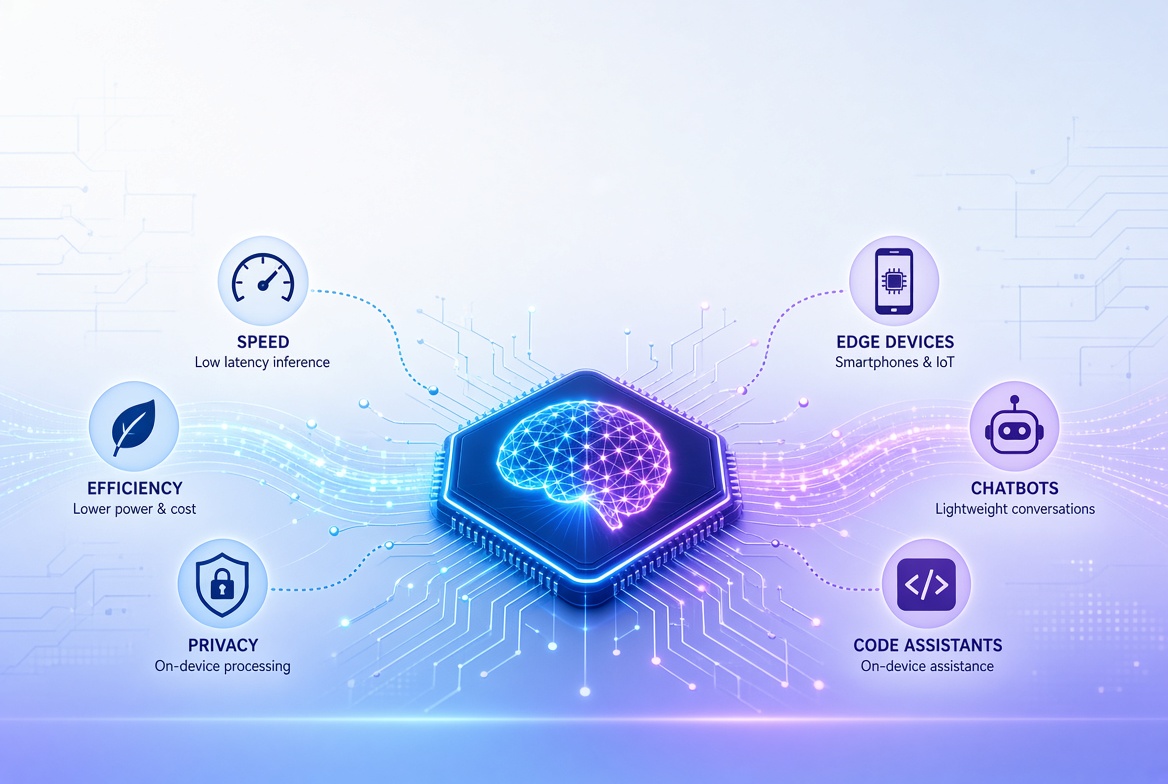
On-Device AI
AI processing on compatible phones, computers, and other devices may allow certain tasks to run locally.
Depending on the implementation, local processing can reduce reliance on remote servers and improve responsiveness. It does not automatically guarantee privacy or eliminate all security risks.
Deeper Integration With Business Software
Assistants may become more closely integrated with office applications, customer support systems, developer tools, and business platforms.
Organizations will need to manage permissions, audit actions, verify results, and ensure that automation follows established policies.
Greater Emphasis on Reliability
As assistants take on more important tasks, users and organizations will increasingly need measurable evidence of accuracy, consistency, and safe operation.
Human oversight will remain important for consequential decisions and actions that require professional judgment.
الأسئلة الشائعة
1. What is an AI-powered personal assistant?
An AI-powered personal assistant is software that uses artificial intelligence to help users answer questions, organize information, draft content, plan activities, and perform supported tasks through natural-language instructions.
2. What are examples of AI-powered personal assistants?
Examples include ChatGPT and other conversational AI assistants, voice-enabled assistants, coding assistants, research tools, and productivity assistants integrated into business software. Their capabilities differ by product and subscription.
3. Can AI personal assistants automate daily tasks?
Yes. Depending on the application and its permissions, an assistant may help organize schedules, prepare documents, summarize messages, create task lists, or interact with connected applications. Sensitive actions should have suitable approval controls.
4. Are AI-powered personal assistants free?
Some offer free access with usage limits, while others require paid subscriptions for advanced models, higher limits, business features, or integrations. Availability and pricing depend on the provider and may change.
5. Are AI personal assistants safe to use?
They can be used safely for many tasks when appropriate precautions are followed. Users should protect sensitive information, review application permissions, verify important outputs, and avoid granting unnecessary access to personal or business systems.
6. Can an AI assistant access my phone or computer?
Access depends on the product, device, operating system, integrations, and permissions granted. Some assistants can perform limited device functions or interact with connected applications, while others operate primarily within a chat interface.
7. Can AI personal assistants help small businesses?
Yes. They can support content planning, customer support, marketing, administrative work, research, and software development. Businesses should evaluate output quality, data protection, implementation costs, and measurable results.
8. What is the difference between an AI assistant and an AI agent?
An AI assistant generally helps users through conversation and task support. An AI agent is designed to pursue an objective by planning and executing a sequence of actions using available tools. Some assistants include agent capabilities, but not all assistants operate autonomously.
الخاتمة
AI-powered personal assistants are becoming practical tools for managing information, improving productivity, supporting learning, and simplifying business operations.
Their usefulness extends beyond answering questions. Depending on their capabilities, they can help draft documents, analyze files, research topics, organize projects, and interact with connected applications.
However, choosing the right assistant requires careful consideration of accuracy, privacy, security, integrations, cost, and the tasks it can reliably perform.
For individuals and entrepreneurs, the best starting point is to identify a repetitive or time-consuming task, test an appropriate assistant, and measure whether it improves the result.
As AI systems become more capable, the most effective users will be those who combine automation with critical thinking, appropriate security controls, and human judgment.
Explore more technology guides on SignalMediaMKG to learn how emerging digital tools can improve productivity, strengthen security, and support smarter business decisions.